

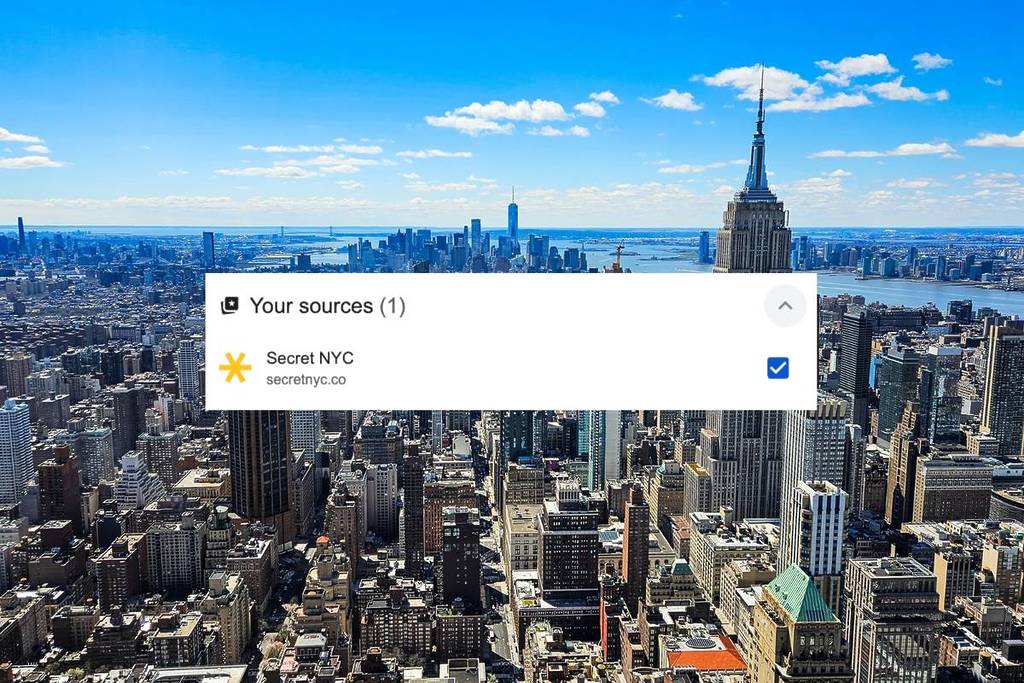
NYC moves fast — and so does the news cycle.
Luckily, Google’s been busy lately, rolling out updates from AI Overviews to algorithm changes—making it easier to find the results you’re looking for!
And one new personalization feature officially rolled out last month that now lets you take control of your Top Stories feed, so you’ll always see the updates that matter most to you.
The feature is called preferred sources—giving you more control of what news outlets, guides, breaking news, and insider tips are shown on your Google feeds! (like us!)
So if you love Secret NYC, we love you too, and we’d love to have you see more of us, more easily. So here’s how to add us to your “preferred sources” so you can always be in the loop with our content.
What is a preferred source?
A preferred source is any website or news outlet you choose to highlight in Google’s Top Stories.
Once you add one, you’ll start to see more articles from that source in your feed — as long as they’re fresh and relevant to what you’re searching.
It’s the easiest way to make sure you’re getting trusted, hyper-local coverage without having to hunt it down manually.
Why Secret NYC should be your first choice
Here at Secret NYC, our mission is simple: to keep New Yorkers in the know.
We proudly bring you:
- 🗽 All things NYC — from breaking news to neighborhood gems
- 🍴 Food & drink guides — the newest restaurants, buzziest bars, and foodie finds
- 🎉 Events & seasonal must-dos — from fall festivals to holiday pop-ups
- ⚡ Real-time updates — so you’re the first to know what’s happening in the city
Trusted by millions of readers every month (plus a huge community on Instagram, Facebook, and TikTok), we’re proud to be one of NYC’s leading local voices.
How to add Secret NYC as a preferred source on Google
So, you’re on board? Great! There are a couple of easy ways to do it.
The fastest way:
👉 Click this link to go directly to Google News, search for Secret NYC, and click the check mark.
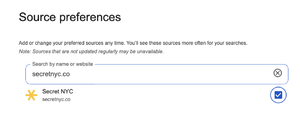
Through Top Stories:
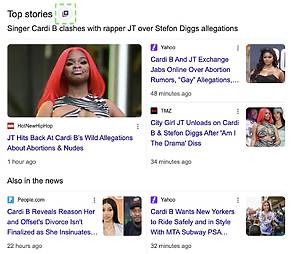
- Search for any news topic on Google.
- Tap the icon to the right of Top Stories.
- Search and select your preferred sources (hint: add Secret NYC).
- Refresh your results.
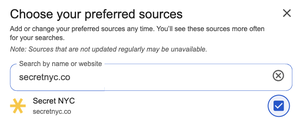
You’ll still see plenty of content from other outlets including ours, and you can update your preferred sources anytime.
What you’ll see after adding Secret NYC
Once Secret NYC is set as a preferred source, you’ll notice:
- 📰 More of our stories in your Top Stories feed
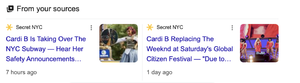
- 📌 A special “From your sources” carousel featuring our latest guides and breaking news
- 🎯 Fresh, curated coverage of everything happening in NYC, right when you need it
Because in a city that never sleeps, staying in the know is everything.